Prompt grid
My gaming story
Connect games to memories: a first console, a shared adventure, or a world you still think about.
Use template: My gaming story →FREE 3×3 GAME GRID MAKER
9 games. One story. Make a grid of the games that shaped you. Choose your games, find their covers, customize the prompts, and download an image to share.
Make my game grid¿Buscas My 9 Games en español? Crea tu plantilla aquí →
Your uploads stay in your browser.
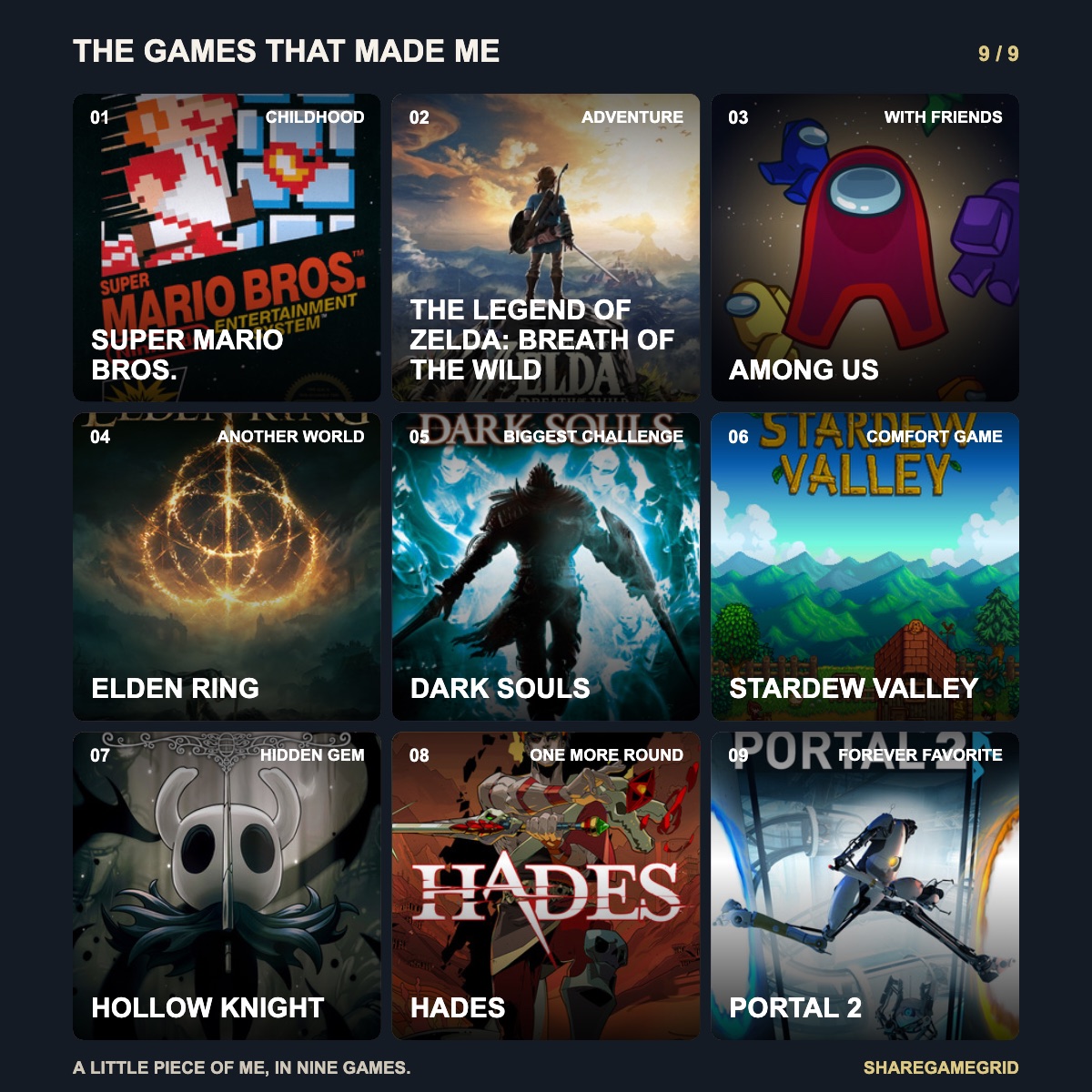
01 / CREATE
Tap a tile to choose its prompt and game. We'll look for the cover as you type.
Apply nine prompts, then edit any tile. This replaces category labels only; your games and covers stay in place.
Apply nine prompts, then edit any tile. This replaces category labels only; your games and covers stay in place.
Your grid is saved automatically in this browser.
Each tile starts with a prompt. Change it to tell your own story.
Start typing to find a cover.
Use images you own or have permission to use. About
Your uploads stay in this browser. Cover search uses CheapShark and Wikipedia. About cover search
Prompt grid
Connect games to memories: a first console, a shared adventure, or a world you still think about.
Use template: My gaming story →Tier list
Add your own games and rank them in editable tiers.
Use template: My game tier list →Tier list
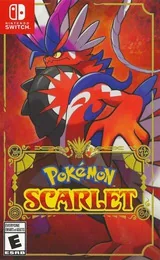
38 editions with covers, from Red and Blue through Legends: Z-A (2025). Add other releases yourself.
Use template: Pokémon games →Tier list
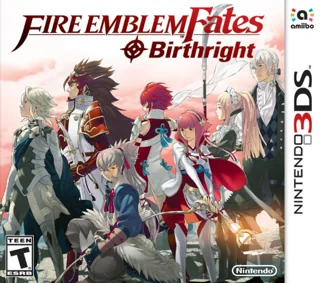
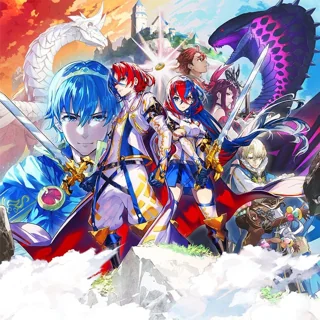
22 games and routes with artwork, including Fortune’s Weave. Filter main-series games and Warriors spin-offs.
Use template: Fire Emblem games →Tier list
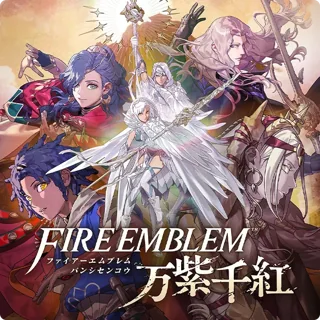
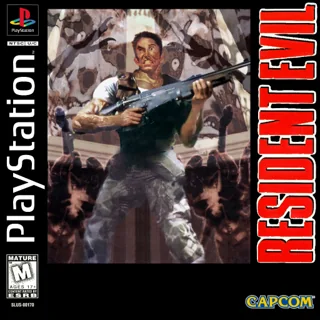
17 games with artwork, including Requiem. Rank originals, remakes and Revelations separately.
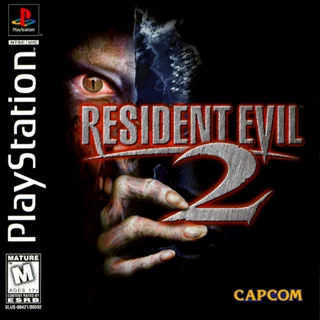
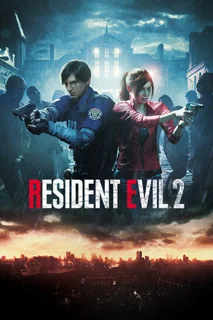
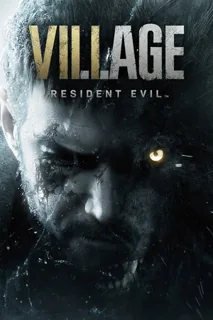
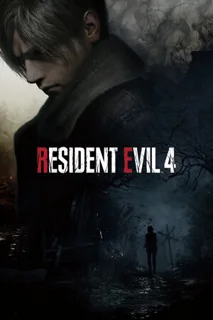
Use template: Resident Evil games →Connect games to memories: a first console, a shared adventure, or a world you still think about.
Look back at what you actually played this year. An older game counts too; leave a prompt blank or rename it if it does not fit.
Build a starting point for a friend. Pick a game for each mood or situation, rather than trying to rank every game you know.
Use a 3×3 grid when each game represents a memory or a recommendation. The positions are not scores. To sort games from favorites to least favorites, use the tier list maker instead.
Make a game tier list ↗Games can share a name. Check the year and platform in the search results, especially for remakes and sequels. If the cover is wrong, choose another result or upload an image you have permission to use. Drag the ↔ handle to swap a game together with its prompt.
Download the PNG, then choose a platform in the share panel. On desktop, attach the PNG to your post or paste a copied image where supported. On a phone, “Share image…” lists apps supported by your device. WhatsApp and X links prefill text; they do not attach the PNG. The page link opens the maker, not a saved copy of your personal grid.
02 / HOW IT WORKS
Choose nine games that mean something to you. These screenshots show the actual editor; tap an image to enlarge the controls.
Pick “My gaming story”, “My year in games” or “Nine recommendations” above the grid. Tap a tile to edit its prompt and game. Applying a theme changes the labels and keeps your existing games.

Type a game title, confirm its edition and choose a matching cover. Check the year and platform for remakes or sequels. You can upload an image you may use if no result fits. Use the ↔ handle to swap tiles.
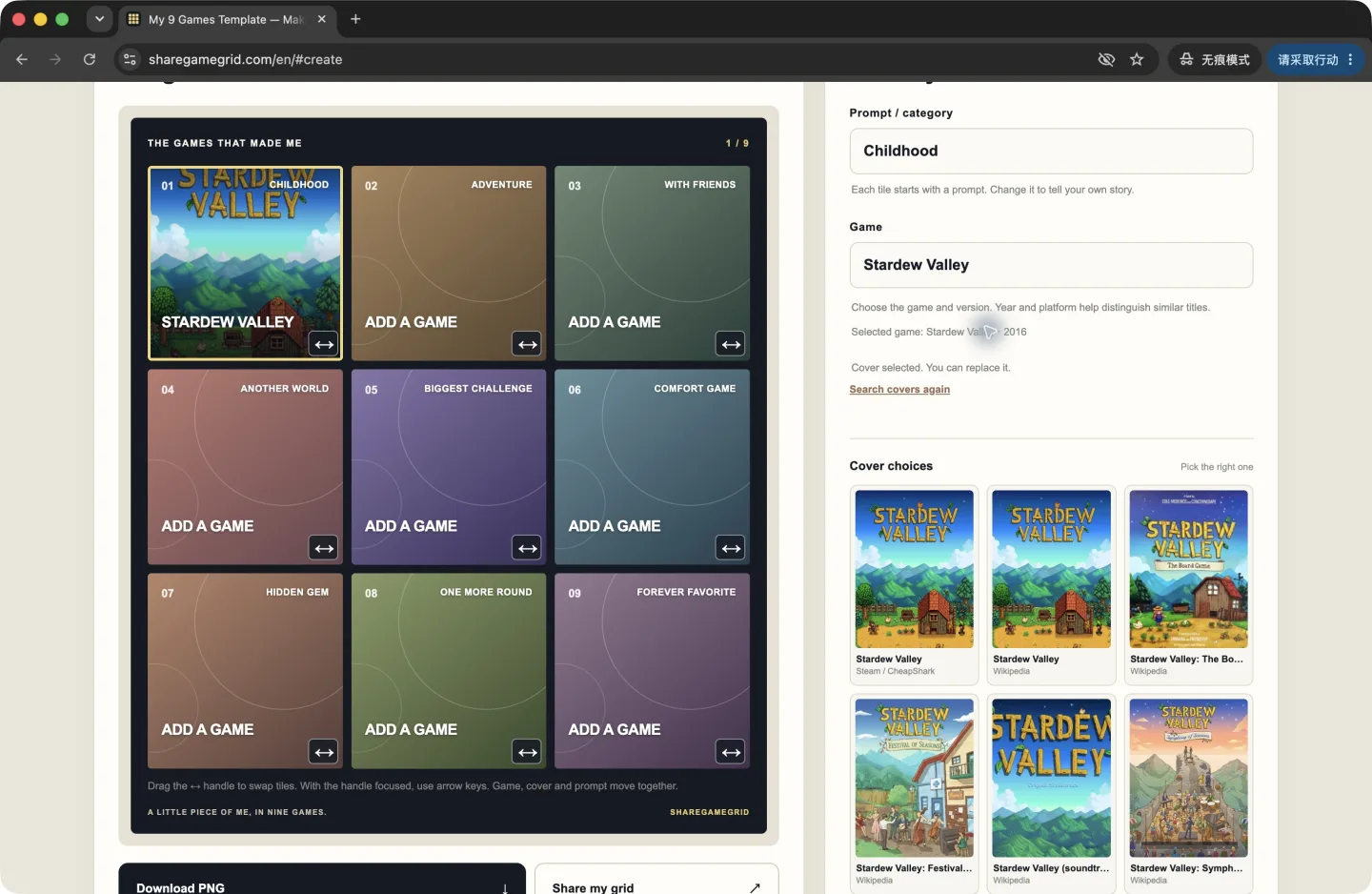
Use “Download PNG” for a 1200 × 1200 image, or “Share my grid” to choose Instagram, WhatsApp, Facebook, Discord or X. Attach the image in the destination app; opening a platform link does not attach it automatically. The website link opens the maker, not your saved grid.
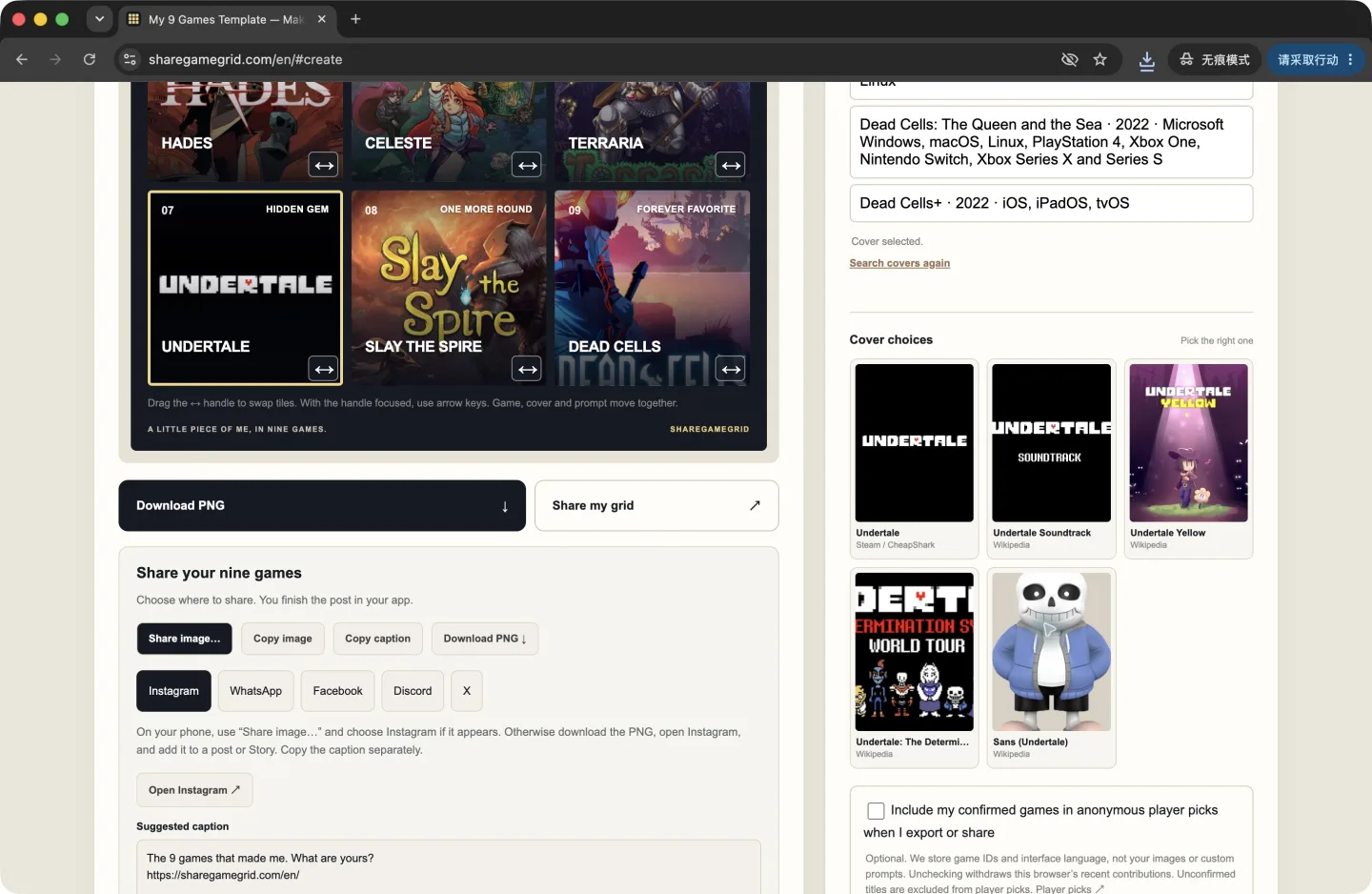
Fill my nine-game grid ↑ · Prefer S–D rankings? Try the game tier list maker →
03 / MAKE IT YOURS
A blank 3×3 template, ready for the games that mean something to you.
ShareGameGrid is a free online gaming 3×3 maker for your “9 games that made me” collage. Search for game covers or upload your own, customize each of the nine categories, and export one 1200 × 1200 PNG. No account is needed.
Enter a game title and choose a matching cover. Have a different image in mind? Upload your own.
Start with nine prompts, from childhood memories to your forever favorite. Edit any of them directly in the grid editor.
Export a 1200 × 1200 PNG with game covers, titles, and prompts. Post it on X or send it to your gaming group.
Use the tool for free, without an account. Images you upload stay in your browser.
WHAT ARE YOUR NINE?
A gaming 3×3 is a picture of your taste and memories. Choose nine games, add their covers, and give each tile a prompt. Your picks can be childhood favorites, games you played with friends, or games you still return to.
Use the starter prompts, make a grid of your nine favorite games, or change the categories for a genre, console, or personal challenge.
Tell your story in nine gamesEvery prompt is yours to change.
These are ideas to help you choose, not rules for your own grid.
04 / GOOD TO KNOW
ShareGameGrid exports your grid as an image. The website link in the suggested caption opens the grid maker, not your personal choices. To show your nine games, share or attach the PNG. Your draft is saved in this browser; there is currently no public page for your personal grid.
It is a 3×3 grid of nine games that tell your story as a player. Each tile pairs a game with a prompt, such as “Childhood” or “Comfort game.” ShareGameGrid lets you fill the template with game covers and download the result as one image.
Start with a game from your childhood, a game you played with friends, and one you keep returning to. Fill the other squares with games that changed your taste or left a memory. You can follow the nine starter prompts or rename them to fit your story.
Tap a tile in the grid editor, type a game title, and choose its cover. Repeat for the other tiles. Follow the starter prompts or use the grid for your favorite games, a particular console, or any theme you like.
Yes. Select a tile and edit its “Prompt / category” field. Each tile has its own label, so you can use the nine defaults or rename them to fit your theme.
Choose another cover from the suggestions, try a more specific game title, or use “Upload your own cover.” You can also remove a cover and replace it. Cover search may not find every game.
It is free and no account is required. Images you upload stay in your browser. Game titles entered for cover search are sent to the cover search providers.
Click “Share my grid” to choose X, Instagram, Facebook, WhatsApp, or Discord. On supported devices, “Share image…” sends the PNG to your chosen app. Otherwise copy the image or download the PNG and attach it yourself. You can copy a suggested caption too. WhatsApp’s text-and-link button does not attach your image. Your games, prompts, and covers are saved automatically in this browser; “Reset grid” clears the saved draft.
YOUR TURN